
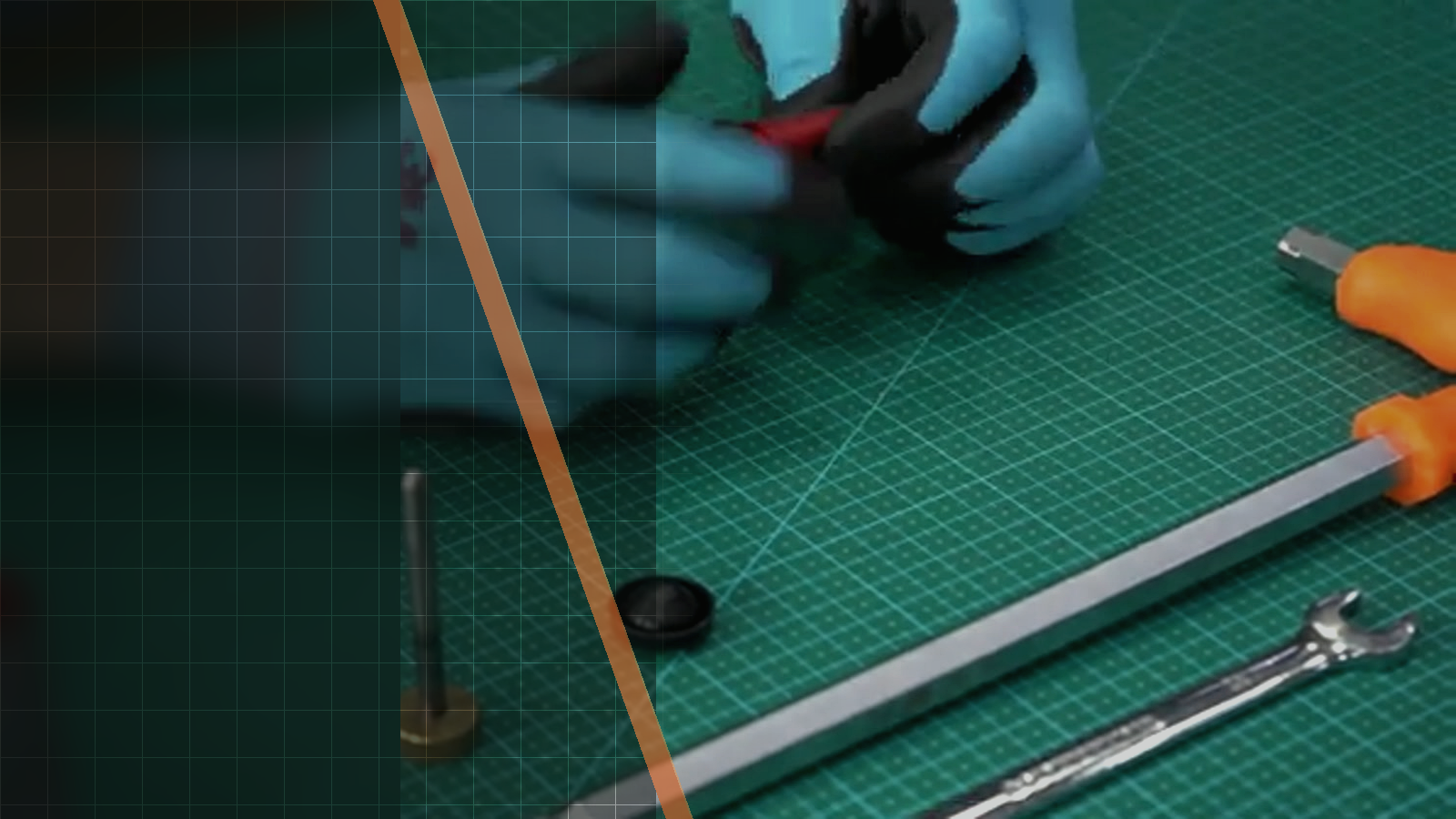
Official Silverback video workshop
Silverback TAC-41 P Stock Ergonomics Guide
This official Silverback video demonstrates how the TAC-41 P polymer stock is adjusted for stock ergonomics, from the cheek-rest knob to the buttplate and spacer arrangement. Use this guide when you need to follow the video’s visual sequence or confirm which spacer range and screw detail apply to the standard configuration and the additional kit.

01Source-based overview
What this procedure does
The video begins with the cheek-rest adjustment knob on the TAC-41 P polymer stock. The knob can be installed on either side of the stock, so the relevant visual checkpoint is its position at the cheek rest before the guide moves down to the buttplate. The buttplate is then adjusted and removed as part of changing the stock length.
Once the buttplate is removed, the video shows the spacer configurations. The standard configuration supports zero to three spacers; the additional kit contains three more spacers and two longer screws, allowing a total of three to six spacers. After the selected configuration is installed, the buttplate screws are retightened. The source does not provide a torque value, so no torque figure is included here.
Tools and parts explicitly identified
- cheek-rest adjustment knob
- buttplate
- buttplate screws
- spacers
- two longer screws
Evidence standard
Every technical statement below is restricted to the official Silverback description, subtitles, on-screen text or visible action. Unstated torque values and compatibility claims are intentionally omitted.
What the footage makes clear
This walkthrough stays close to the official Silverback source. The expanded notes explain what is visible at each checkpoint, while measurements, compatibility and cautions remain limited to what Silverback actually states.
- Sequence and handled parts are attributed to the visual review observations.
- Product, stock material and spacer compatibility details are attributed to the official video description and visual review observations.
- No official or automatic English or French subtitle track was available.
| Specification | Source value |
|---|---|
| Platform | TAC-41 |
| Stock | polymer stock |
| Standard configuration | zero to three spacers |
| Additional kit | three more spacers and two longer screws |
| Total with additional kit | three to six spacers |
02Primary source
Watch the official Silverback tutorial
Every technical statement below is restricted to the official Silverback description, subtitles, on-screen text or visible action. Unstated torque values and compatibility claims are intentionally omitted.
03Procedure
Silverback TAC-41 P Stock Ergonomics Guide, step by step


- Do not infer a torque value.
- The cheek-rest adjustment knob can be installed on either side of the TAC-41 P polymer stock.
- The selected spacer configuration is installed.
- The buttplate screws are retightened after the selected spacer configuration is installed.
04FAQ
TAC-41 tutorial questions
Which stock does the official video cover?
It covers adjustment of the polymer stock on the Silverback TAC-41 P.
How many spacers does the standard configuration support?
The standard configuration supports zero to three spacers.
What does the additional spacer kit contain?
The additional kit contains three more spacers and two longer screws, allowing a total of three to six spacers.
Share:
Silverback TAC-41 Spring Swap Guide
Silverback TAC-41 Hopup Rubber Swap Guide