
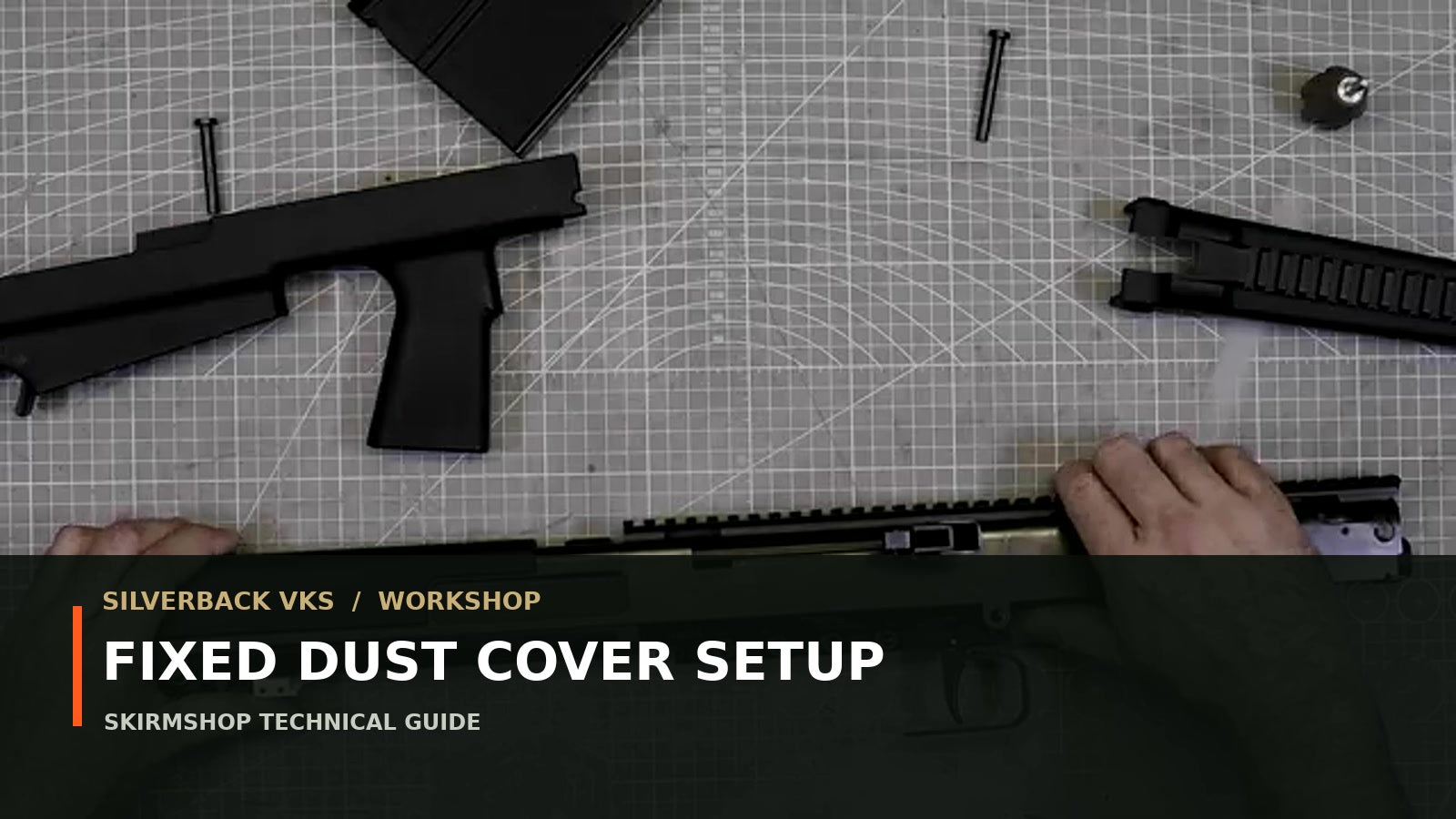

Official video workshop · 1:39
Silverback VKS fixed dust-cover setup
Flip the ejection-port cover so it remains closed while cycling—useful in dusty or humid environments—without losing the red hop nub or missing the bolt linkage.
Before you start
Key facts and tools
| Specification | Official value |
|---|---|
| Factory behaviour | Port opens when bolt is open |
| Modified behaviour | Port remains closed |
| Dust-cover orientation | Mounted upside down, notch facing down |
| Bolt position for assembly | Handle fully forward |
Tools
- VKS pin punch
- Parts tray for the red hop nub
Primary source
Watch the official Silverback tutorial
This guide follows the official subtitles and footage. Use the video for hand position and the written text for measurements, orientation and checks.
Procedure frames


Procedure
Step by step
Unload and remove both pins
Remove the magazine, drive out the long front and short rear assembly pins, then remove handguard and stock.
Slide out the receiver
Place the top cover on its right side and slide the receiver from it.
Flip the dust cover
Remove the dust cover and reinstall it upside down with the notch facing downward.
Engage receiver and linkage
Return the receiver to the top cover with the bolt handle in the forward position. Ensure the bolt carrier engages its linkage and do not drop the red hop nub.
Install the stock correctly
Turn the top cover upside down, slide the stock into position with the safety set to FIRE and engage the trigger guard with the pistol grip.
Install handguard and front pin
Slide the handguard into position and insert the long front pin by hand without a hammer.
Align and insert the rear pin
Pinch the stock to align the bores and press the short rear pin in by hand.
Verify the closed-port action
Cycle the VKS carefully and confirm the ejection-port cover remains closed as intended.
Critical checks
- Dust-cover notch faces downward.
- Bolt handle is forward for assembly.
- Bolt carrier engages the linkage.
- Do not lose the red hop nub.
- Long pin front; short pin rear; no hammer.
FAQ
Frequently asked questions
Why configure the VKS dust cover to remain closed?
Silverback presents it as protection when playing in dusty and/or humid environments.
Which way does the cover notch face?
Mount the cover upside down with the notch facing down.
What can go wrong when the receiver is inserted?
The bolt carrier can miss its linkage, and the small red hop nub can fall out. Check both before closing the rifle.
Share:
Silverback VKS Hop-Up Nub Swap Guide
Silverback VKS Quick Strip-Down and Reassembly Guide